
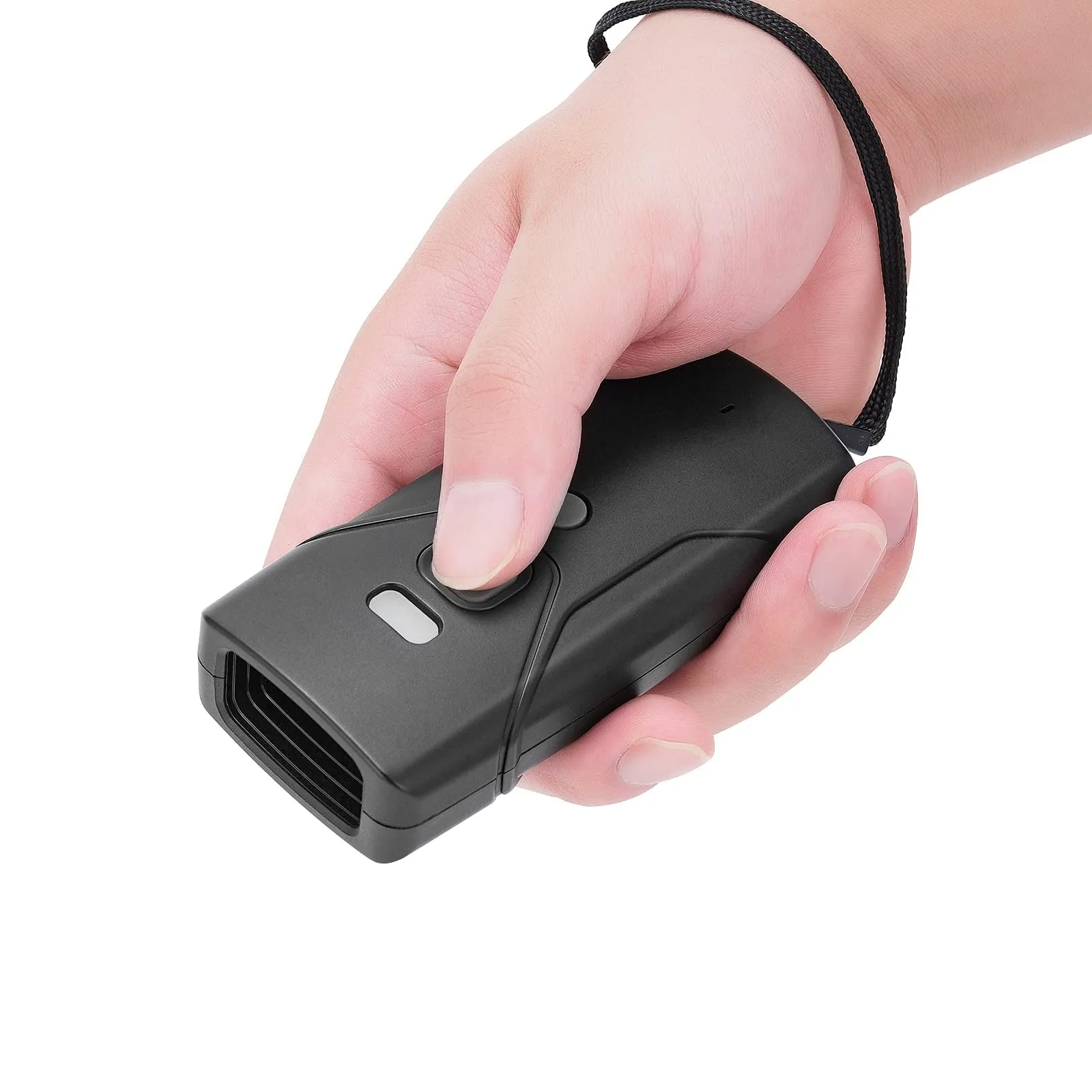
Sinatec Order Tool.
A carefree workflow with barcode scanners linked and integrated with the ERP package or integrations with the Sinatec Order Tool (SOT).
Sinatec Order Tool.
The Sinatec Order Tool is a web-based application that enables partners and their end users to order products effortlessly. Sinatec partners have access to a special portal where they can create customers and/or end users. By creating the customer, a link is generated; using this unique order link, orders can easily be placed from any device such as a PC, tablet, or mobile phone via the browser.
By simply connecting a barcode scanner, the process of taking orders becomes exceptionally simple and nearly error-free. This provides an efficient and seamless way to order products, resulting in a streamlined experience for both partners and end users.
View the explanation here.
A handy document and an informative video that provide insights into the possibilities. Once the SOT is activated, it is very easy to create customers and then generate order links for the end users. Everything is explained step by step in the manual and video.

Access to the Sinatec Order Tool?
Contact us for the login details.
Frequently Asked Questions.
How do I gain access to the Sinatec Order Tool?
Only partners and their end users have access to the Sinatec Order Tool. Read all information on the SOT page or contact us.